Favicon Design Best Practices: Size, Format, and Strategy
Expert tips on creating favicons that work perfectly across all platforms. Includes size guidelines, format choices, and design principles.
Favicons might be tiny, but they're mighty. That 16×16 pixel square in your browser tab carries your brand identity, helps users navigate between tabs, and can even boost your site's perceived professionalism. Yet most sites still use blurry, badly sized icons that look like they time-travelled from 2005.
This guide covers everything you need to know about favicon design - from technical requirements to design principles that ensure your icon looks sharp everywhere.
The Size Matrix: What You Actually Need
Forget the old days of just favicon.ico. Modern devices demand multiple sizes:
Essential Sizes
16×16 - Browser tabs (standard resolution)
32×32 - Browser tabs (high-DPI/Retina)
180×180 - Apple Touch Icon (iOS home screen)
192×192 - Android Chrome (home screen)
512×512 - PWA splash screens
Nice-to-Have Sizes
48×48 - Windows taskbar, and the size Google prefers for search results
64×64 - Windows site icons
96×96 - Google TV
128×128 - Chrome Web Store
Safari pinned tabs are the one entry to strike off the old lists. They never used a 256×256 raster - the mask-icon format is a single-layer SVG, solid black on transparent, with the colour set by the link tag. And you don't need one any more: modern Safari uses your ordinary favicon for pinned tabs, and Apple's documentation on the format has been archived for years.
The Reality Check
You don't need every size. Start with the essentials and add others based on your audience. Check your analytics - if 80% of your users are on desktop Chrome, prioritise those sizes.
Format Wars: ICO vs PNG vs SVG
ICO: The Classic
Still required for maximum compatibility. Can contain multiple sizes in one file. Use for your primary favicon.ico.
Pros:
- Universal browser support
- Multiple sizes in one file
- Works everywhere
Cons:
PNG: The Standard
- Larger file size
- No alpha transparency in older browsers
- Pain to generate
The modern choice for most favicon sizes. Excellent compression, full transparency support.
Pros:
- Smaller file sizes
- True alpha transparency
- Easy to generate
- Sharp on all displays
Cons:
SVG: No Longer The Future
- Need separate files for each size
- Not supported by ancient browsers (pre-2010)
Scalable vector favicons have arrived properly. Safari was the long-standing holdout, and Safari 26 closed that gap in September 2025 - it now renders SVG icons everywhere it shows icons at all. That puts global support around 90%, which is enough to treat SVG as a real first choice rather than a bet.
Pros:
- Perfect at any size
- Tiny file size
- Can carry its own
prefers-color-schemestyles - Now supported in Chrome, Edge, Firefox and Safari
Cons:
The Verdict
- Can't be used for apple-touch-icon
- Complex logos may not scale well
- Safari renders the file but ignores styles inside it, so a theme-aware SVG shows Safari users the default
Use all three:
Design Principles for Tiny Icons
Simplicity is Survival
- 1ICO for maximum compatibility (favicon.ico)
- 2PNG for specific sizes (apple-touch-icon, android icons)
- 3SVG as a progressive enhancement where supported
Your logo might have beautiful gradients, intricate details, and clever negative space. Your favicon can't. At 16×16 pixels, details become noise.
Do:
- Use bold, simple shapes
- Stick to 1-2 colours
- Focus on recognition over detail
- Test at actual size (zoom out!)
Don't:
Colour Strategy
- Include text (unless it's 1-2 letters)
- Use thin lines
- Add shadows or effects
- Try to fit your entire logo
High Contrast is King
Your favicon needs to work on light tabs, dark tabs, and whatever custom theme your users have. Test on multiple backgrounds.
Consider Dark Mode
More users than ever browse in dark mode. That black logo might disappear entirely. Consider:
Shape Psychology
- Adding a subtle white outline
- Creating dark/light variants
- Using colours that work on any background
Square: Stable, trustworthy, professional
Circle: Friendly, inclusive, continuous
Triangle: Dynamic, innovative, directional
Abstract: Unique, creative, memorable
Choose based on your brand personality, but remember: clarity beats cleverness at small sizes.
Technical Implementation Tips
Pixel-Perfect Alignment
Favicons render at exactly 16×16 or 32×32 pixels. Design on a pixel grid:
The Squint Test
- 1Start with a 512×512 canvas
- 2Design your icon
- 3Scale down to 16×16
- 4Manually adjust pixels for clarity
- 5Scale back up for larger sizes
Can't tell if your favicon is recognisable? Squint at it. If you can't identify it with blurred vision, simplify.
Testing Across Contexts
Your favicon appears in more places than you think:
- Browser tabs (active/inactive)
- Bookmarks menu
- History listings
- Search results
- Social media shares
- Password managers
- RSS readers
Test everywhere that matters to your audience.
Platform-Specific Considerations
iOS: The Special Snowflake
Apple devices ignore your favicon and use apple-touch-icon. Requirements:
Android: Flexibility Rules
- Must be PNG
- Recommended: 180×180
- No transparency (iOS adds rounded corners)
- Design for a 20% corner radius
Android is more forgiving but benefits from:
Windows: Nothing Special Required
- Multiple sizes in manifest.json
- Transparent backgrounds for adaptive icons
- Consider safe zones for different mask shapes
You can skip this one entirely now, which is the happiest kind of platform note. Live tiles, browserconfig.xml and the msapplication-TileImage meta tag were only ever read by Internet Explorer and Edge Legacy on the Windows 8 to 10 Start menu. Windows 11 removed live tiles in 2021, IE retired in 2022, and HTML5 Boilerplate dropped the tile files from its template.
Windows reads your ordinary PNG favicons like everybody else. If you've inherited a browserconfig.xml and a pile of 310×310 tile images, delete them.
Creating Your Favicon Set
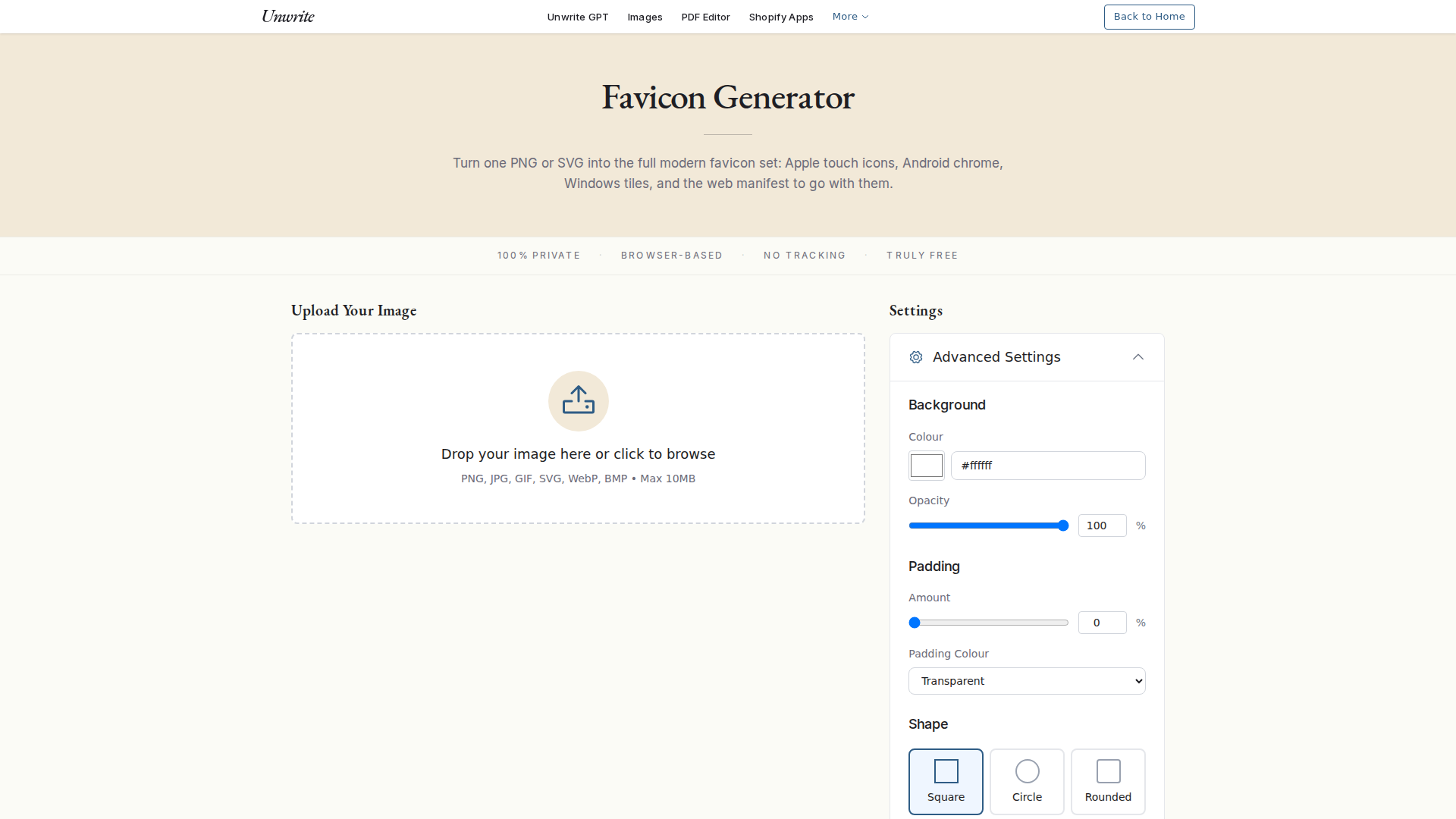
The four steps below are what a generator does for you. Ours runs the lot in the browser, so the master file never leaves your machine.
Step 1: Design at Large Size
Start with a 1024×1024 or 512×512 master. This becomes your source for all sizes.
Step 2: Create Size Variants
Don't just scale down. Optimise each size:
Step 3: Export Properly
- 512×512: Full detail, your complete icon
- 192×192: Slightly simplified
- 32×32: Remove fine details
- 16×16: Maximum simplification
PNG: Use 32-bit colour with alpha
ICO: Include 16, 32, and 48px sizes
SVG: Optimise with SVGO, inline styles
Step 4: Test Everything
Before going live:
Future-Proofing Your Favicons
Prepare for New Contexts
- 1Test in all major browsers
- 2Check on Retina/high-DPI displays
- 3Verify on mobile devices
- 4Bookmark your site and check the icon
- 5Share on social media to see previews
Favicons appear in new places constantly:
- Browser grouped tabs
- OS-level site permissions
- AR/VR browsers
- Voice assistant visual feedback
- Smartwatch browsers
Design with flexibility in mind.
Dark Mode Variants
This one already works - it isn't a future thing to prepare for. Chromium browsers honour media on an icon link today:
<link rel="icon" href="/favicon-light.svg" media="(prefers-color-scheme: light)">
<link rel="icon" href="/favicon-dark.svg" media="(prefers-color-scheme: dark)">
The alternative is one SVG carrying its own media query in an embedded <style> block, which Chrome, Edge and Firefox all apply.
Two caveats, so you're not surprised. Safari doesn't switch favicons by theme, by either method - it renders SVG favicons now, but ignores the styles inside them. And no browser re-renders the icon when the OS theme flips mid-session, so the swap lands on the next page load. Neither is a reason to skip the variants. Both are reasons to make sure your default icon reads well on a dark tab bar too.
Animation (Use Sparingly)
Animated favicons are possible but risky:
Common Mistakes to Avoid
- Can be distracting
- Increases file size
- May hurt performance
- Use only for temporary states (notifications)
1. Using Your Full Logo
Your complete company logo rarely works at 16px. Create a simplified mark.
2. Forgetting Background Colours
Transparent favicons can disappear on certain backgrounds. Test thoroughly.
3. Ignoring File Size
A 500KB favicon hurts performance. Optimise aggressively.
4. Text at Small Sizes
Unless it's a single letter or two, text becomes illegible mud.
5. Over-Designing
The best favicons are often the simplest. When in doubt, simplify more.
Testing Tools and Resources
Real Favicon Generator: Tests across all platforms
Favicon Checker: Validates implementation
Browser DevTools: Check loading and rendering
Physical Devices: Nothing beats real-world testing
The Bottom Line
Great favicons are:
- Simple enough to recognise at 16px
- Flexible enough to work everywhere
- Optimised for performance
- Tested across all contexts
Spend the time to get it right. Your favicon is often the first and last thing users see of your brand. Make those pixels count.
Want to generate all these sizes automatically? Try Unwrite's Favicon Generator - upload once, get every size you need, all processed privately in your browser.